

Back to Help Centre
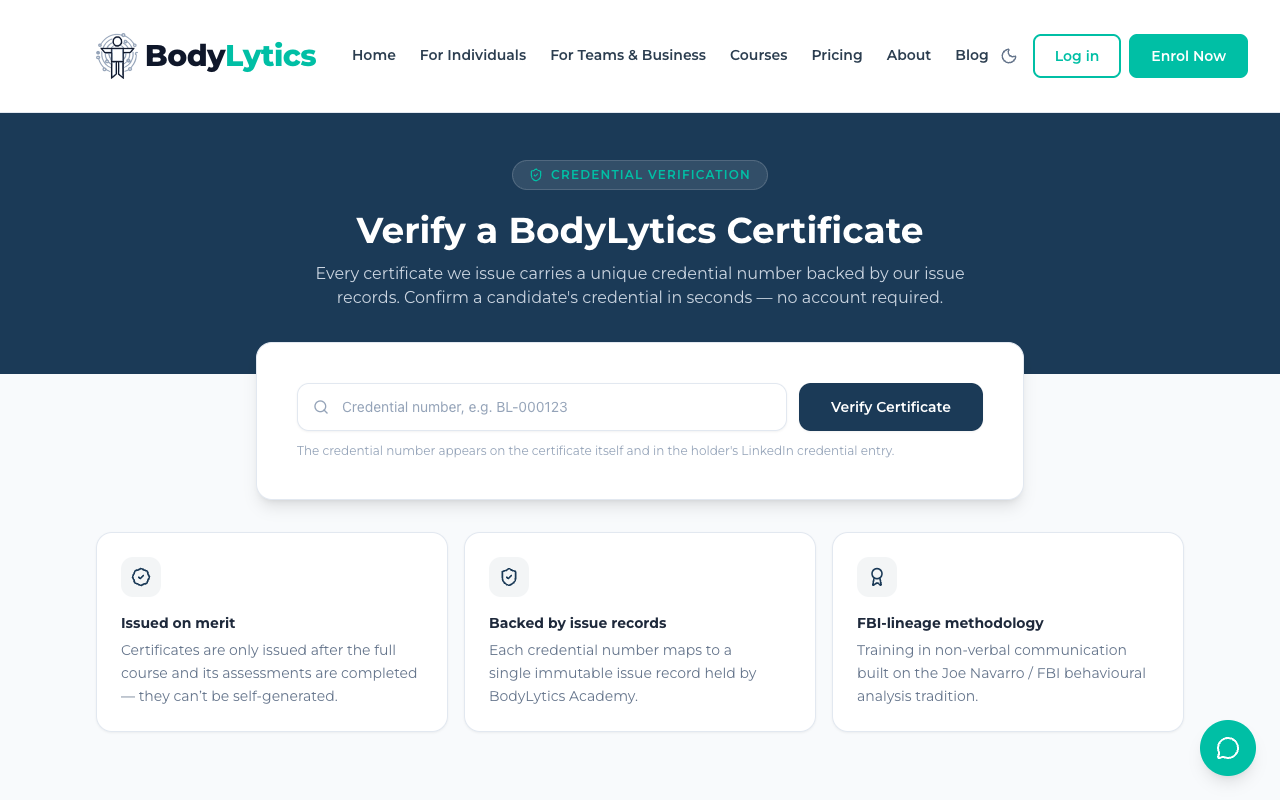
Go to bodylytics.coach/verify Enter the credential number exactly as it appears on the certificate (format: Click Verify Certificate
Certificates are only issued after the full course and its assessments are completed — they can't be self-generated Each credential number maps to a single, immutable issue record held by BodyLytics Academy Training is built on the Joe Navarro / FBI behavioural analysis tradition
Reference15 Jul 2026
Verifying a BodyLytics Certificate
Anyone — an employer, a client, a colleague — can verify that a BodyLytics certificate is genuine, with no account required.
How to Verify
BL-000123) — it also appears in the holder's LinkedIn credential entry if they've added itYou'll see the certificate holder's name, the course they completed, and the completion date.
Why It's Trustworthy
Finding Your Own Credential Number
Your credential number is on your certificate — see How Certificates Work for how to view and download it.
Want to go deeper?
Sign up free to access our full library of guides, practice exercises, and interactive courses on body language.